1 Upload
2 Enter Data
3 Compare
📸 Test A uploaded — auto-fill with AI?
📸 Test B uploaded — auto-fill with AI?
📋 How to run MTR from your Mac
🔍 Check your public IP on a specific interface first
curl --interface en0 https://ipinfo.io/ip
Confirms which SIM / carrier is active on that interface before running MTR
📡 Run MTR test
sudo mtr -I en0 --report-wide -c 60 --show-ips 1.1.1.1
Replace en0 with your active interface · -c 60 sends 60 packets · --report-wide shows full hostnames
📱 Find interface when on iPhone hotspot
ifconfig | grep -E "^en|inet " | grep -B1 "172\.20\."
iPhone hotspot uses 172.20.10.x subnet — this shows which enX is active
Filter:
📋 How to run from your phone (Termux / Mac)
↓ Download test (recommended)
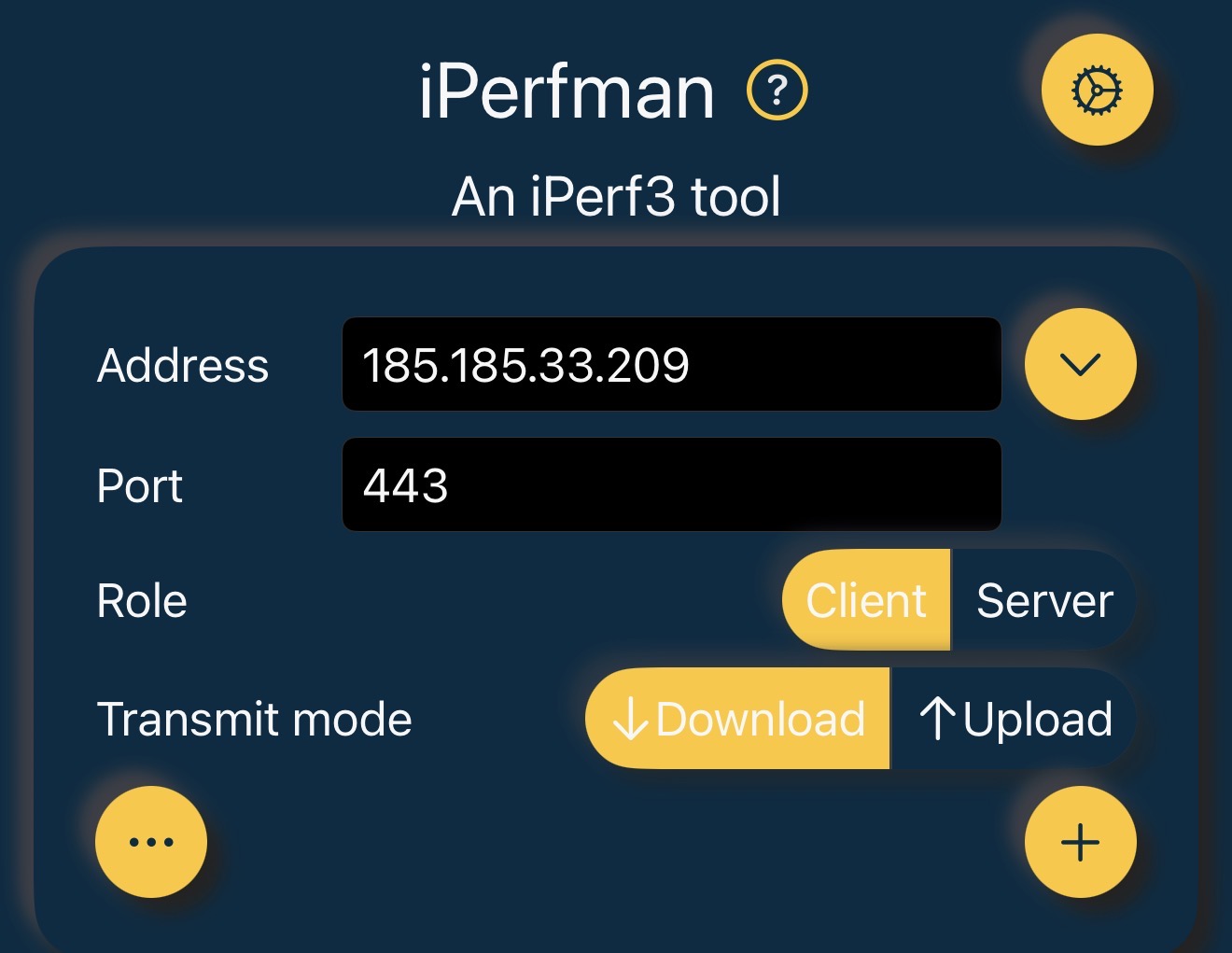
iperf3 -c 185.185.33.209 -p 443 -R -t 30 -O 5 -J --bind-dev en0
-R = reverse (server sends) · -O 5 = skip warmup · -J = JSON output
Replace en0 with active interface · find it with: ifconfig | grep -E "^en|inet " | grep -B1 "172\.20\."
↑ Upload test
iperf3 -c 185.185.33.209 -p 443 -t 30 -O 5 -J --bind-dev en0
↕ Bidirectional
iperf3 -c 185.185.33.209 -p 443 --bidir -t 30 -O 5 -J --bind-dev en0
It's a niche test for network engineers checking for half-duplex issues, not a speed test metric end users care about.
📱 iOS — iPerf3 app (paste JSON from share sheet)
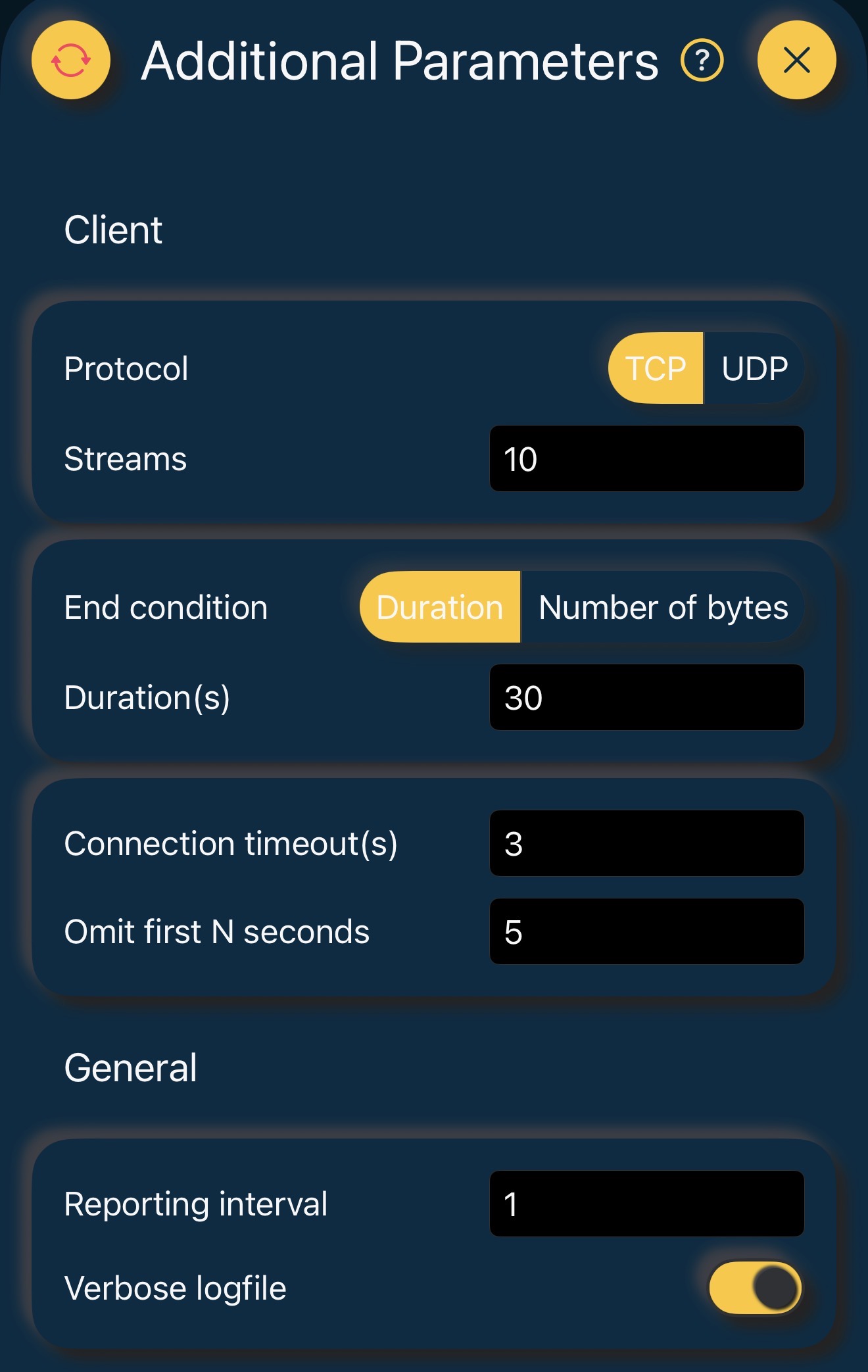
Server: 185.185.33.209 · Port: 443 · Enable JSON output
Filter:
📱 iPerfman App Settings
After the test, tap Share → copy the plain-text log → paste it in the field above.
Filter: